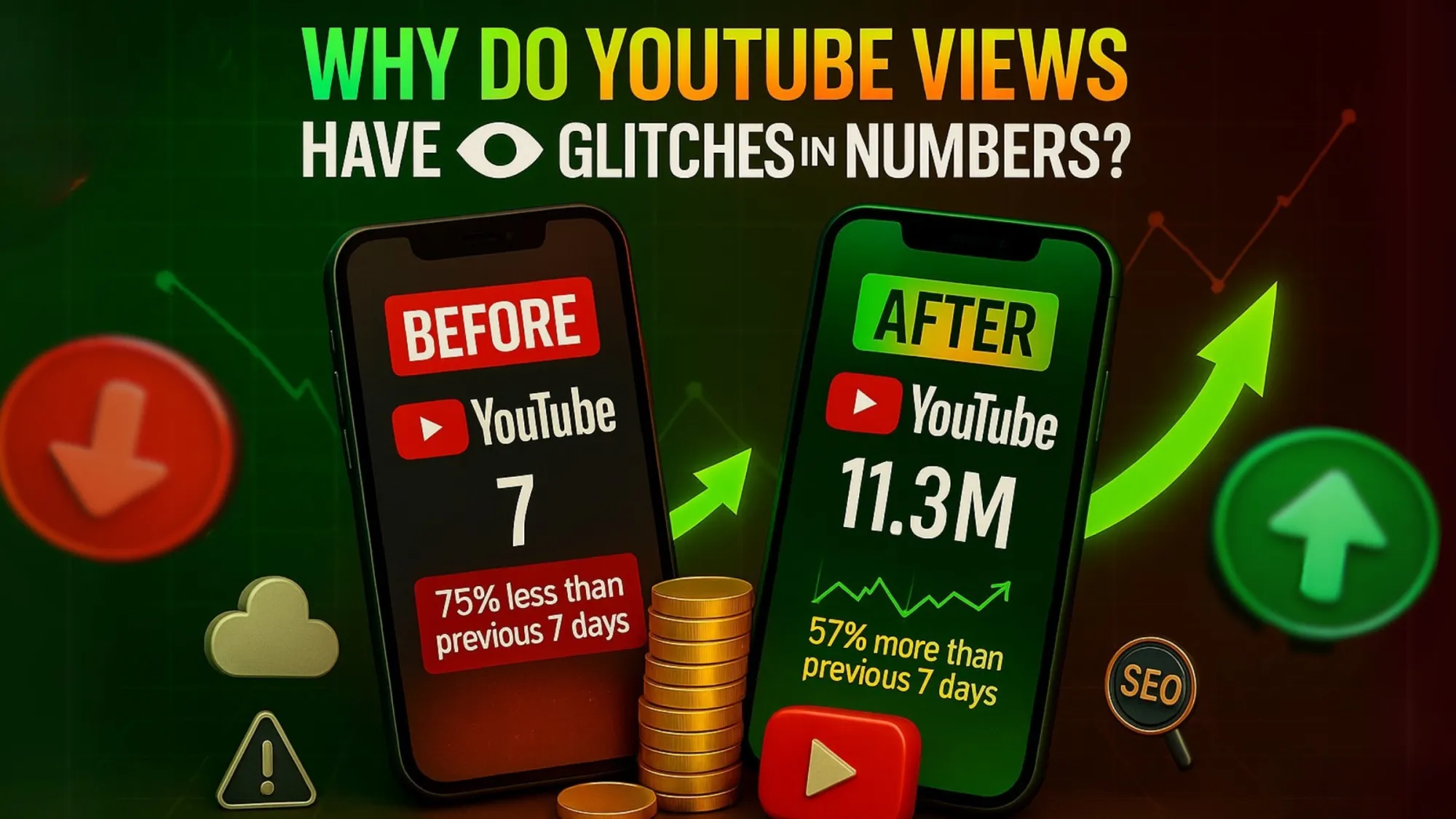
Many YouTube creators notice that the view count shown in YouTube Analytics is often different from the public views displayed on the video page. Sometimes the numbers freeze, jump suddenly, or don’t match at all. This makes many creators think YouTube views are glitching. In reality, these differences happen because of YouTube’s view verification system, analytics processing, and server updates.
YouTube Verifies Views Before Showing Them Publicly
YouTube does not immediately count every view that appears. The platform first verifies whether the view is real and valid. During this process, YouTube checks:
- Bots or automated traffic
- Repeated refresh attempts
- Suspicious or artificial traffic sources
- Invalid engagement patterns
Because of this verification step, the public view counter on the video page can update slower than analytics. Until verification is complete, numbers may appear inconsistent.
Real-Time Analytics Updates Faster
Inside YouTube Studio, creators can see real-time analytics. These numbers update very quickly because they show estimated views. However, the public counter on the video page shows validated views only. For example: Analytics may show 1,200 views, Video page may show 1,050 views After verification finishes, the public count usually catches up and matches the analytics data.
YouTube Removes Invalid Views
Another reason creators see view differences is because YouTube regularly removes invalid views. Views may be removed if they come from: Bots or automated software, click farms, artificial traffic sources, rapid refresh attempts. When these views are filtered, the count may decrease slightly. This is normal and helps keep the platform fair for creators.
Server Synchronization Delays
YouTube processes billions of views every day across multiple servers worldwide. Because of this large scale, updates do not always appear instantly everywhere. Sometimes the system needs time to synchronize data across servers. This can cause: Frozen view counts, sudden jumps in views, temporary differences between analytics and video page views. These delays usually resolve automatically after some time.
Monetized Views vs Total Views
Some creators also notice that monetized views are different from total views. Not every view generates revenue. A view may not qualify for monetization if: The viewer skips the ad, the viewer uses an ad blocker. The viewer is from non-monetized traffic sources, because of this, ad revenue statistics may look different from total view counts.
When Should Creators Actually Be Concerned?
Most of the time, differences in YouTube view counts are completely normal. However, creators should check their analytics if: Views stop updating for several days, traffic suddenly spikes from unknown sources. Analytics numbers remain inconsistent for a long time In normal situations, these temporary differences are simply part of YouTube’s verification process.
YouTube views may sometimes look inconsistent between YouTube Studio analytics, channel analytics, and the video page. However, this does not mean there is a glitch.
The platform uses view verification, traffic filtering, and server synchronization to make sure every view counted is genuine. For creators, the best approach is to focus on content quality, audience retention, and click-through rate, instead of worrying about temporary differences in view numbers.