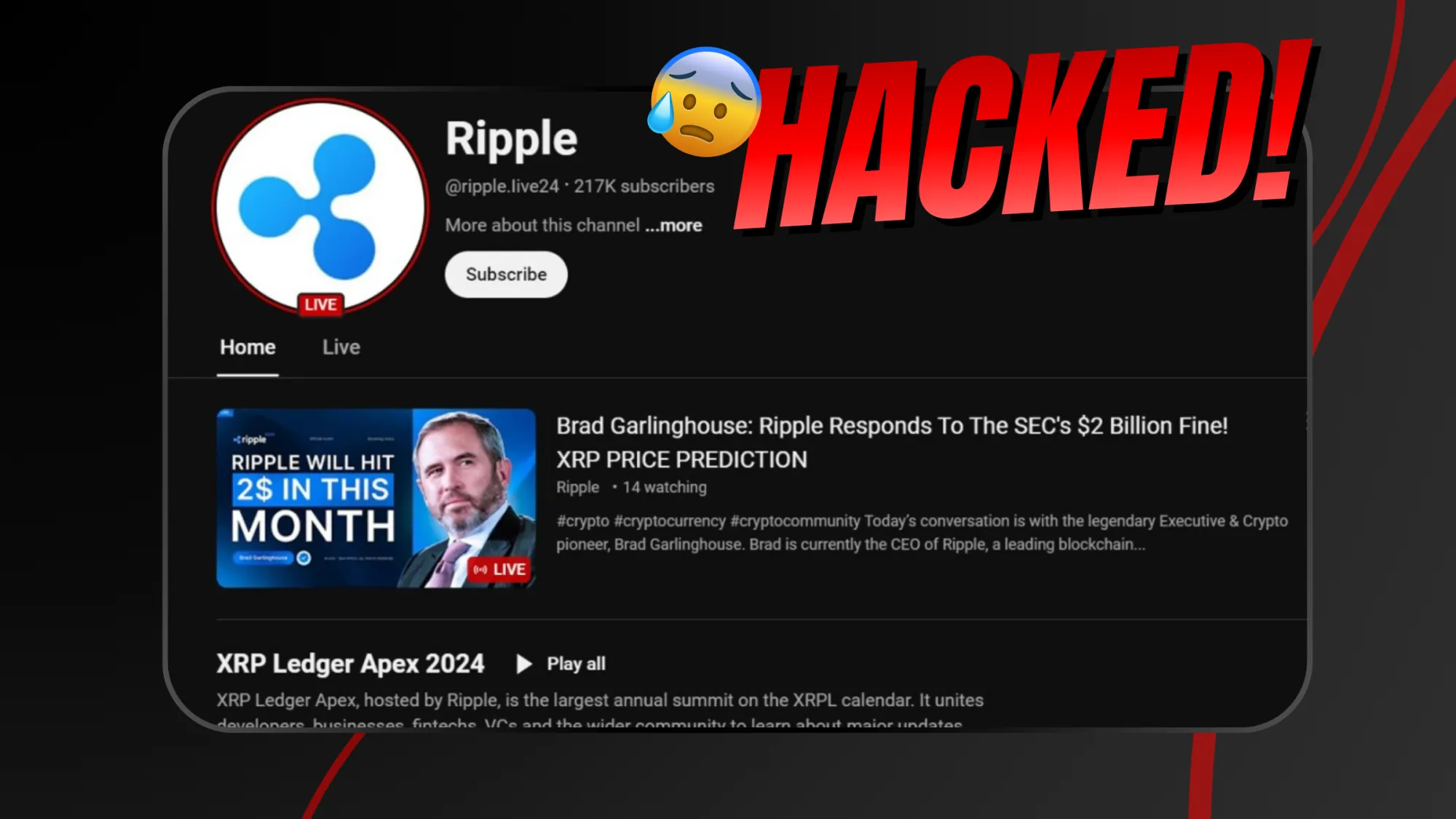
Getting your YouTube channel hacked is one of the worst moments for a creator. Videos disappear. Strange livestreams appear. Cryptocurrency scams run on your account. Sometimes your entire channel name changes overnight. Panic is natural. But what matters most is what you do next.
Step 1: Secure Your Google Account Immediately
Your YouTube channel is connected to your Google account. If someone hacked your channel, they likely accessed your Google login. First, try logging into your Google account and change the password immediately. If you cannot log in, use Google’s account recovery option. Enable two-factor authentication (2FA) right away. Remove unknown devices from your account. Check recovery email and phone number settings to ensure they were not changed by the hacker.
Step 2: Contact YouTube Support Fast
If you are part of the YouTube Partner Program, use Creator Support directly from YouTube Studio. There is a specific “Hacked Account” option. If you are not monetized, use the YouTube Help Center and fill out the hacked account recovery form. Provide accurate details and explain what happened clearly. YouTube has a dedicated team for compromised channels. The earlier you report, the better your chances of full recovery.
Step 3: Do Not Delete or Hide Anything
Many creators panic and try to remove suspicious activity themselves. Avoid doing that. If hackers uploaded scam livestreams or changed content, let YouTube review it. Removing evidence can slow investigation. Focus on securing access instead of cleaning up manually.
Step 4: Check AdSense and Monetization Settings
If your channel was monetized, immediately check your Google AdSense account. Hackers sometimes change payment details. Make sure your bank information and payment profile are correct. If anything looks suspicious, update it immediately. Also check if monetization is still active. Sometimes scam activity triggers temporary review.
Step 5: Inform Your Audience
Once you regain control, post a community update explaining what happened. If scam livestreams or crypto promotions were uploaded, clarify that they were unauthorized. This helps protect your viewers from fraud and rebuild trust. Transparency builds credibility.
Step 6: Scan Your Devices for Malware
Most YouTube hacks happen due to phishing emails or fake brand collaboration files. Creators download a “sponsorship contract” or “PDF agreement” that actually contains malware. That malware steals browser cookies and login sessions. Run a full antivirus scan. Remove suspicious extensions from your browser. Avoid logging into important accounts until your system is clean. If needed, consider resetting your device completely.
Step 7: Strengthen Long-Term Security
After recovery, upgrade your security. Use strong, unique passwords. Enable two-factor authentication with an authenticator app, not just SMS. Avoid clicking unknown links in emails. Never download unverified files from brand offers. Use a separate email account for business inquiries. Security is not optional for creators anymore.
A hacked YouTube channel is serious, but recovery is possible. Act fast. Secure your Google account > contact support > protect your AdSense > clean your system > strengthen your defenses. Most importantly, learn from the incident. In 2026, YouTube hacking often targets growing creators. The bigger your channel becomes, the more attractive it is to attackers. Treat your channel like a business asset. Because it is. And once you recover, make sure it never happens again.