Premiering a video on YouTube is one of the smartest ways to create excitement before a release. Instead of uploading and hoping people watch later, you turn your video into an event. Viewers can set reminders, join a live chat, and watch together at the same time. If you use it correctly, a Premiere can boost initial engagement, improve watch velocity, and build stronger community interaction. Here’s how to set it up properly and make it work for you.
How to Enable YouTube Premiere While Uploading?
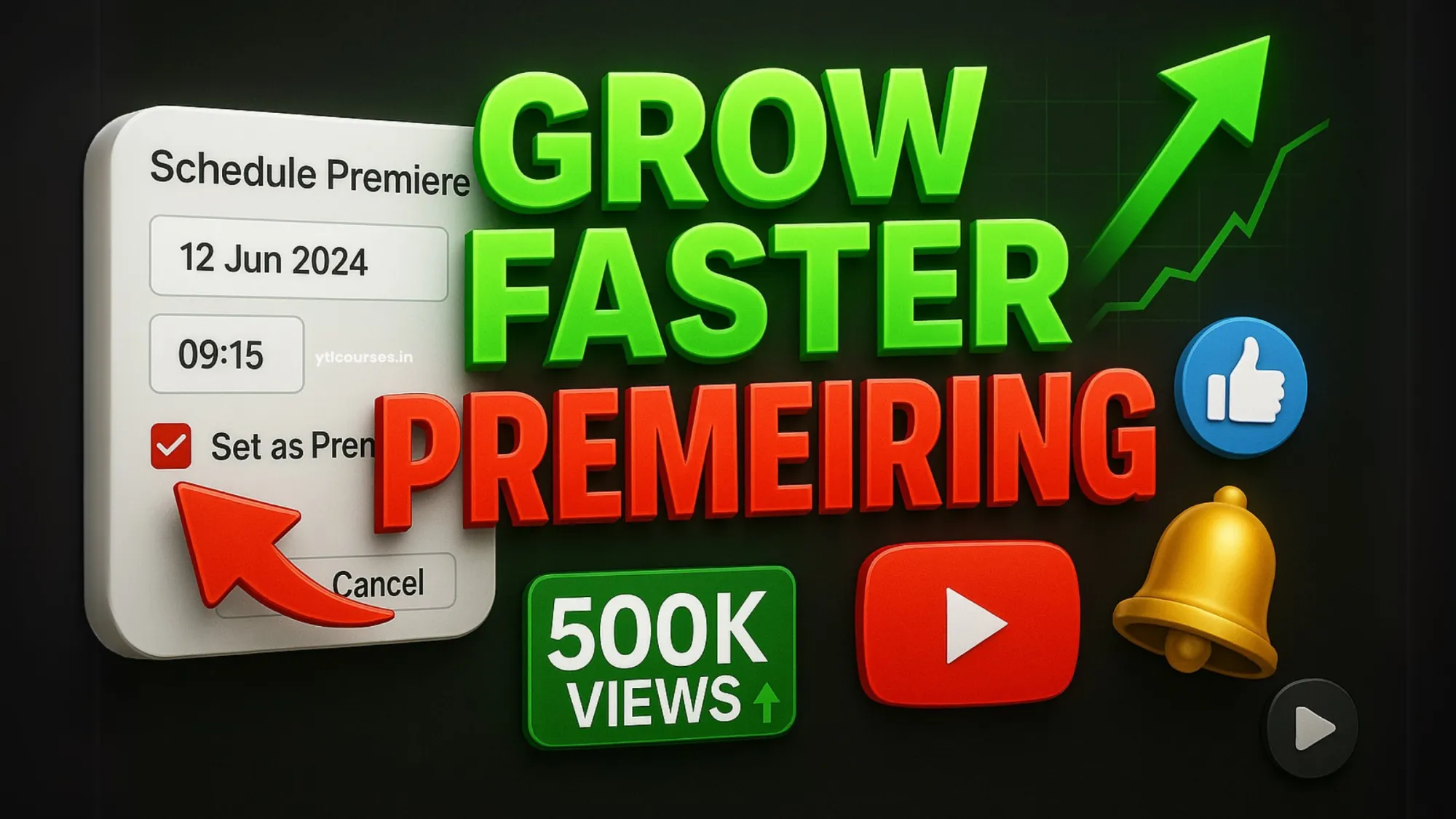
First, upload your video as you normally would inside YouTube Studio. After adding your title, description, thumbnail, and other details, go to the Visibility section. Instead of choosing Public immediately, select Schedule. Once you choose a date and time, you will see the option to Set as Premiere. Enable it. Pick a time when your audience is most active. You can check this inside YouTube Analytics under audience activity. Choosing the right time increases live participation. After scheduling, YouTube automatically creates a watch page. This page goes live before the actual premiere, allowing viewers to set reminders and interact in the upcoming live chat.
What Happens During a Premiere?
When the scheduled time arrives, the video plays like a live stream. There is a live chat on the side where viewers can interact with each other and with you. You, as the creator, can join the chat in real time. This is powerful. When viewers see you responding live, engagement increases. It feels like a shared experience rather than a normal upload. Once the video finishes, it stays on your channel as a regular public video. The chat replay also remains visible for future viewers.
How to Optimize a Premiere for Better Results?
Setting up a Premiere is simple. Making it effective requires strategy. Promote it in advance. Share the premiere link on your community tab, Instagram, WhatsApp groups, or email list. Tell your audience why they should join live instead of watching later. Create curiosity in your title and thumbnail. Since the watch page appears before the video plays, your packaging must encourage people to set reminders. During the premiere, stay active in the chat. Greet viewers, answer quick questions, and pin important messages. High real-time engagement often improves early performance signals. After the premiere ends, monitor analytics closely. Check peak concurrent viewers, average watch time, and chat activity. These insights help you improve future premieres.
When You Should Use Premiering Feature?
Not every video needs to be premiered. Premieres work best for major uploads such as product launches, big announcements, collaborations, special episodes, or high-effort content. For regular uploads, standard publishing may be more practical. Use premieres strategically so they feel special. If every video is premiered, the excitement reduces over time.
Premiering is not just a feature. It is a way to build anticipation and community. When done correctly, it increases initial watch velocity, improves engagement, and strengthens the connection between you and your audience. Instead of uploading silently, you create an event people look forward to. If you combine strong promotion, good timing, and active chat participation, YouTube Premieres can become a powerful part of your channel growth strategy.