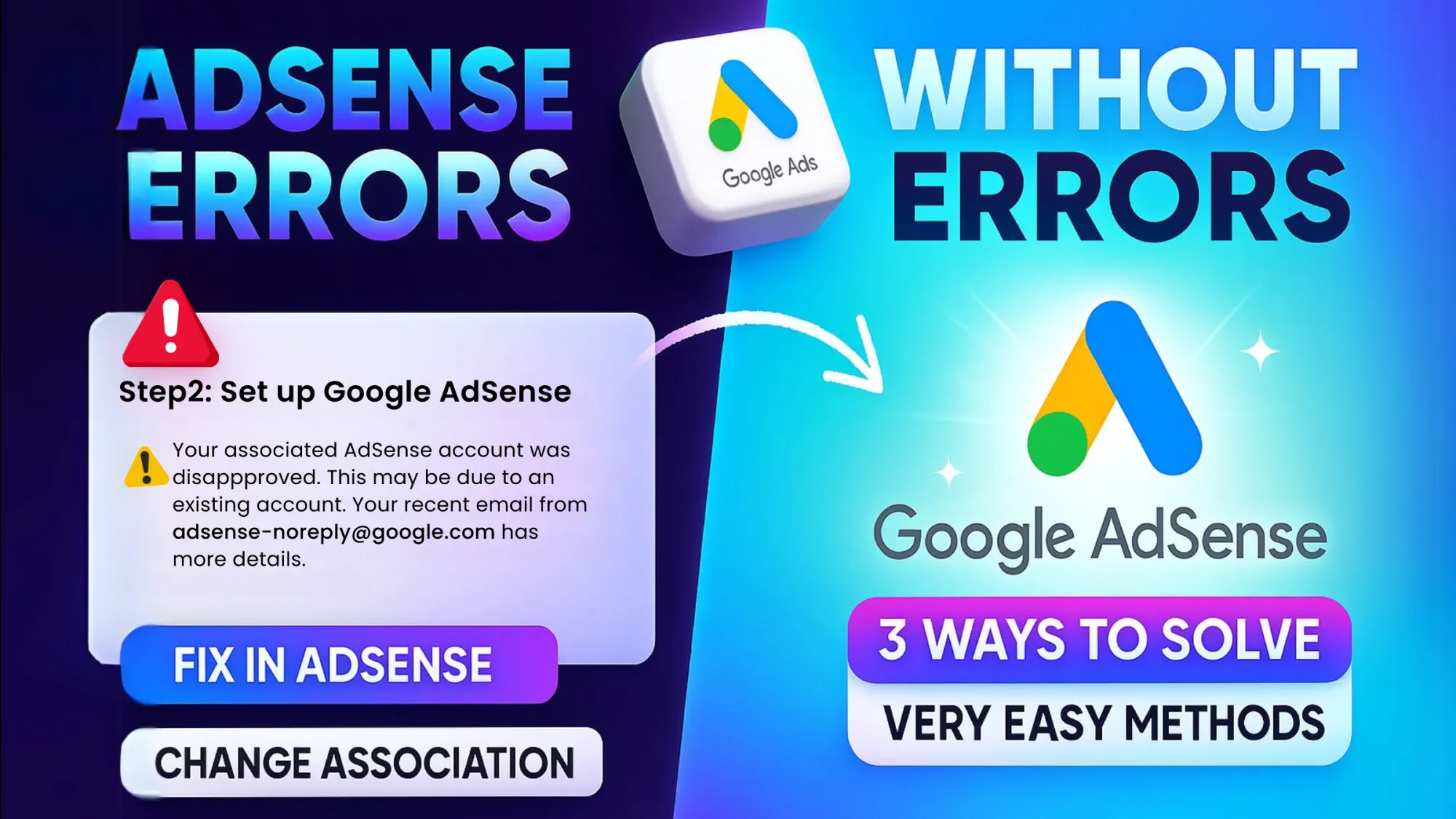
Earning through YouTube becomes possible only after linking your channel with Google AdSense. But this is where many creators face problems. Approval delays, identity verification issues, address PIN errors, payment holds, invalid activity warnings. It can feel confusing. Here is the thing. Most AdSense errors are not permanent. They happen due to incomplete verification, policy violations, or technical mismatches. If you understand the root cause, almost every issue can be resolved.
AdSense Account Not Approved
One common problem is “AdSense account not approved.” This usually happens because of incomplete information, duplicate accounts, or policy violations. Google allows only one AdSense account per person. If you accidentally create multiple accounts using the same name or address, approval can fail. To fix this, close duplicate accounts and use only one active profile. Make sure your name, address, and bank details match your legal documents. Also review AdSense program policies carefully. Thin or reused content can delay approval.
Identity Verification Failed
AdSense requires identity verification to prevent fraud. If your ID upload is rejected, it is usually due to unclear images, mismatched names, or unsupported documents. The name on your YouTube channel monetization profile must match your government ID exactly. Upload a clear, high-resolution photo of your passport, Aadhaar, driving license, or other accepted document. Avoid cropped or blurry scans. Small mismatches in spelling can cause rejection.
Address PIN Not Received
After reaching the payment threshold, Google sends a physical PIN to verify your address. Many creators panic when the PIN does not arrive. Delivery can take 2 to 4 weeks depending on your location. If it does not arrive, you can request a new PIN after the waiting period. Make sure your address is written correctly in your AdSense account. Include house number, street, area, city, postal code. Incomplete addresses often cause delays. If multiple PIN attempts fail, Google may allow manual verification using identity documents.
Payment On Hold or Payment Issues
Sometimes earnings show in AdSense but payments are on hold. This usually happens due to incomplete tax information, missing bank details, or unverified identity. Go to the Payments section and check for alerts. Submit tax forms correctly, especially if you are outside the United States. Double-check your bank account number and IFSC or SWIFT code. Even one wrong digit can block payment.
Invalid Traffic Warning
This is one of the most serious errors. Invalid traffic means suspicious clicks or artificial engagement on ads. This can happen due to self-clicking ads, asking friends to click ads, bot traffic, or traffic from low-quality websites. Never click your own ads. Never encourage others to click. Avoid buying traffic. If you receive a warning, immediately stop any suspicious traffic source and review your analytics for unusual patterns. Repeated violations can lead to account suspension.
Monetization Disabled for Reused Content
If YouTube flags your channel for reused or repetitive content, monetization can be disabled even if AdSense is active. Ensure your content adds original value. Reaction videos must include commentary. Compilation videos must include transformation. Simply reposting content will not qualify. You can request a review after fixing the issues and improving originality.
Patience and accuracy. Most AdSense problems are compliance-related. Read every alert carefully. Do not ignore small notifications. Complete every verification step honestly and accurately. YouTube monetization is strict because it protects advertisers and creators alike. If your account information is correct, your traffic is genuine, and your content follows policy, almost every AdSense error can be resolved. Focus on clean practices from the beginning. It saves time, stress, and revenue in the long run.