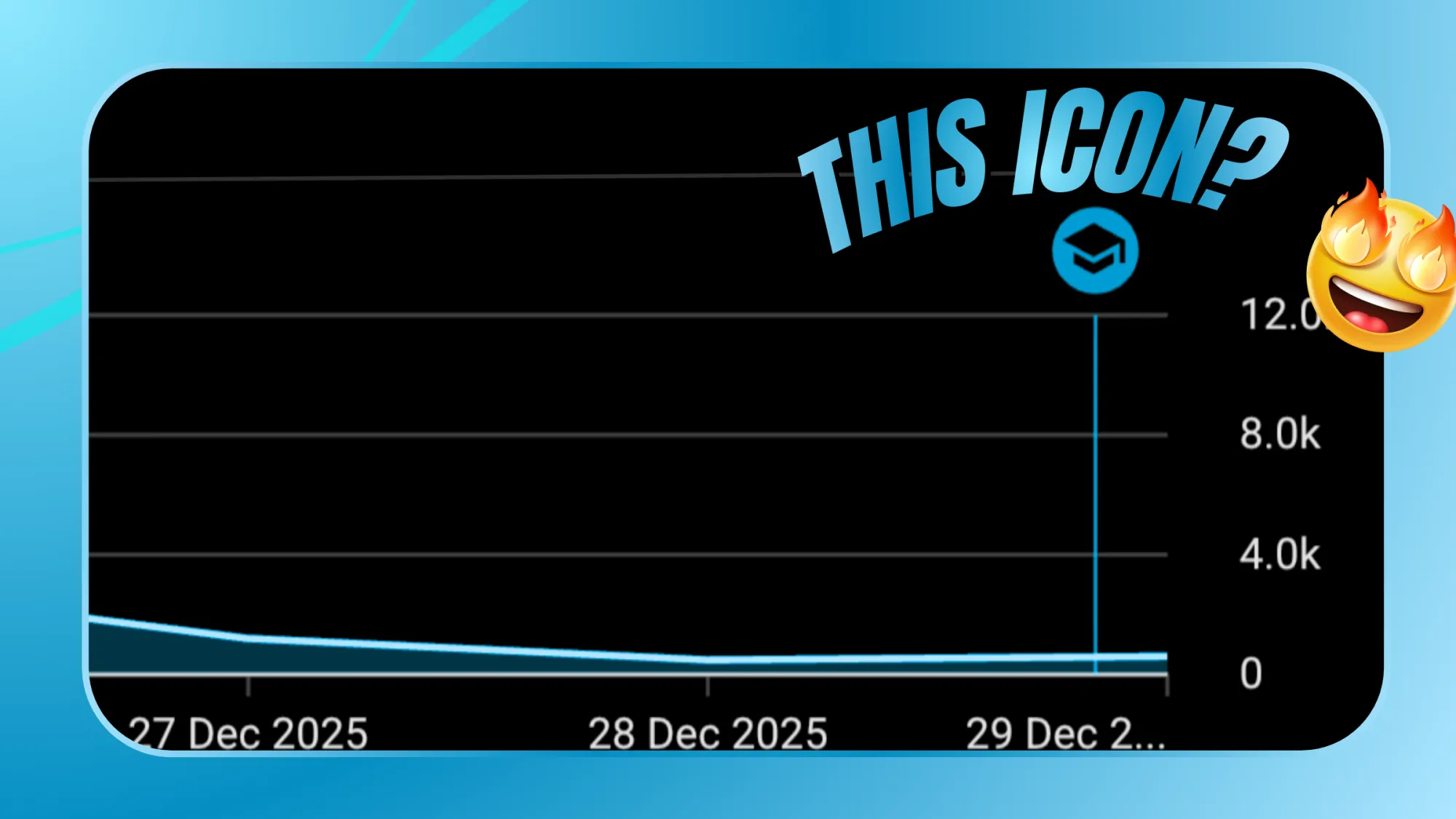
If you recently opened your YouTube analytics and noticed a small graduation cap icon appearing on your graph, you’re not alone. Many creators have seen it pop up near a specific date and wondered what exactly it represents. That graduation cap icon in YouTube Analytics usually indicates an educational milestone or learning-related feature update tied to your channel’s performance or viewer behavior insights. In most cases, it appears when YouTube highlights contextual insights often related to audience learning patterns, educational content performance, or creator-focused updates inside Studio.
Why Does This Icon Appear?
YouTube sometimes marks specific dates on your analytics graph to show that something important happened. This could be: A major spike or drop in performance, a feature update, a system change, an educational or informational insight added by YouTube. The graduation cap icon typically relates to learning insights or educational performance signals, especially if your content falls under education, tutorials, explainers, or knowledge-based categories. It’s not a penalty, it’s not a copyright warning, it’s not a monetization issue, it’s usually an informational marker.
Does It Affect Views or Revenue?
No, the icon itself does not directly affect views, reach, or monetization. It’s a visual indicator. Think of it as YouTube saying, “Something notable happened here” or “Here’s an insight tied to this date. If you click on that date inside YouTube Studio (on desktop), you may see additional details or system notes explaining performance changes.
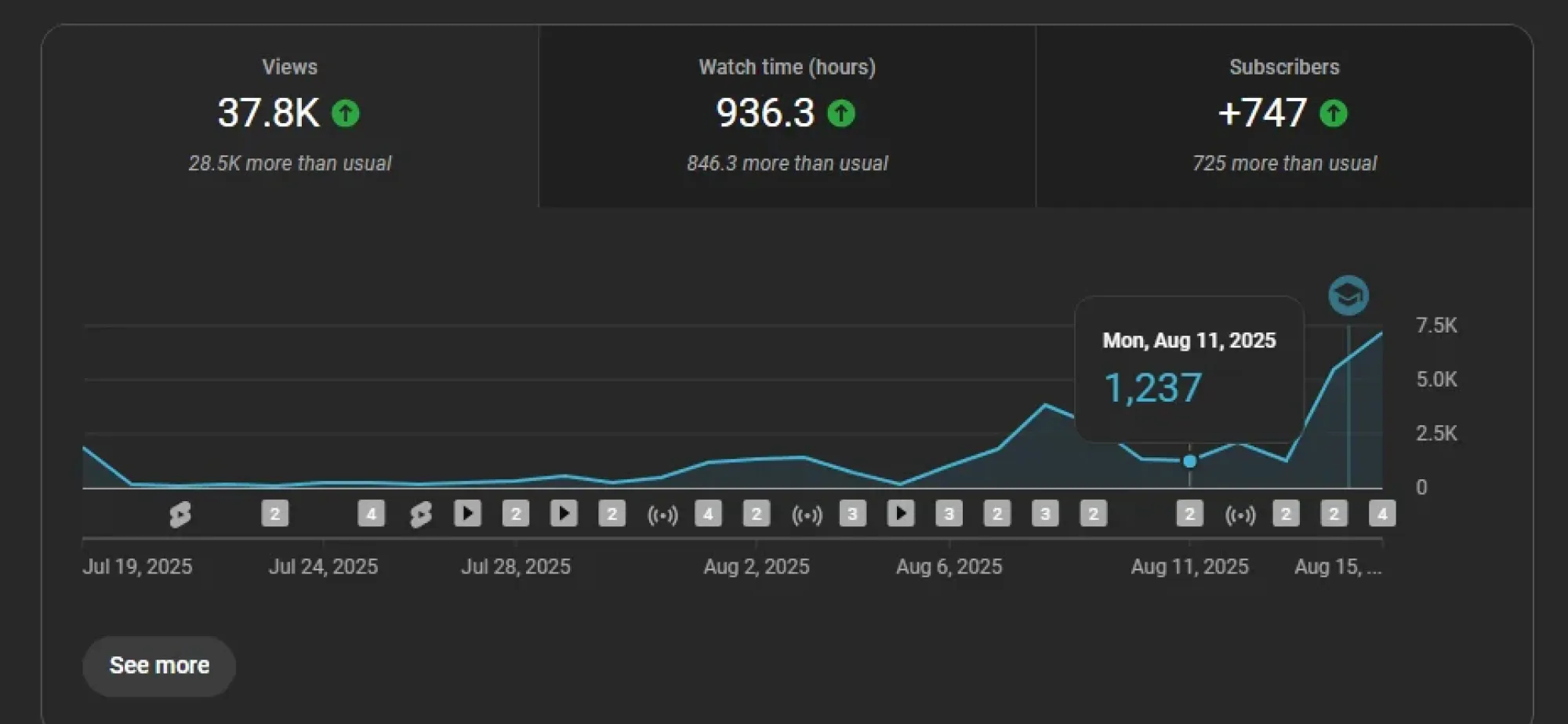
Why It Appears Near a Performance Spike?
In the above image, the icon appears on a date where there is a vertical spike in performance. This suggests that something significant happened possibly:
- A video gained sudden traction
- Your content entered a new audience segment
- YouTube’s recommendation system tested your video
- An update in how your educational content was categorized
If your channel publishes tutorials, exam preparation, skill development, or structured learning content, this icon can appear when YouTube’s system classifies or analyzes it differently.
There’s no negative implication attached to that symbol. It is not a strike, claim, or violation indicator. Those have separate notifications and alerts. This icon is part of YouTube’s evolving analytics interface, where the platform visually marks certain events to help creators understand performance better.
Instead of worrying about the icon, focus on what happened around that date: Did a video perform better than usual?, Did you change your thumbnail strategy?, Did you publish a new format?, Did traffic sources change?
Open detailed analytics and check, traffic source breakdown, audience retention, CTR (click-through rate), Watch time and that spike matters more than the icon.
The graduation cap icon in YouTube Analytics is not something to fear. It’s a contextual or informational marker, often linked to performance insights or educational categorization signals. If your graph shows growth at that point, that’s your real story. Study it. Replicate what worked. Improve from there. Because in the end, icons don’t grow channels strategy does.